
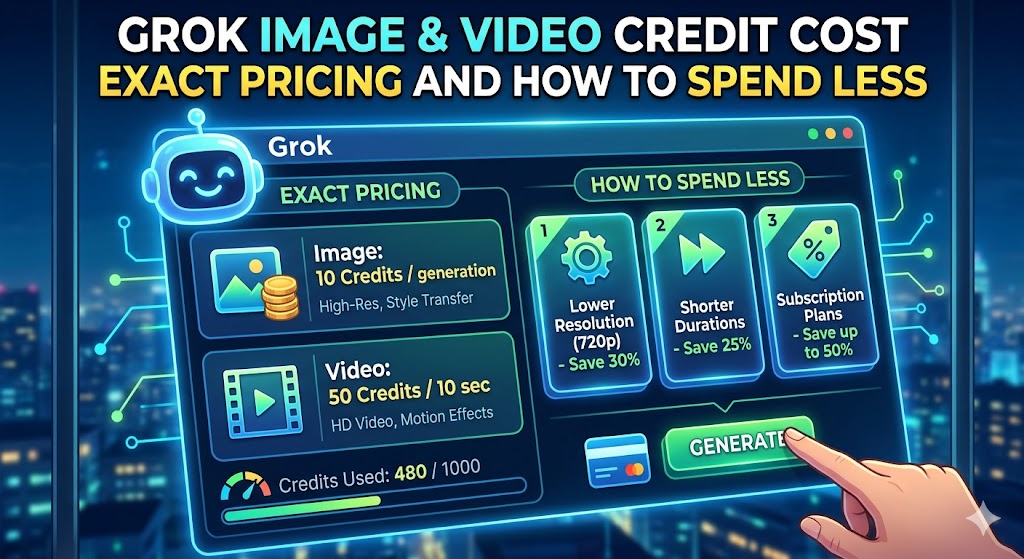
Grok Image & Video Credit Cost: Unpacking the Pricing and Saving Strategies
Introduction: What are Grok Image & Video Credits and Why Do They Matter?
Hey there, fellow creators and digital enthusiasts! If you’re anything like me, you’ve probably been buzzing about Grok’s impressive capabilities in generating stunning images and dynamic videos. It’s like having a personal art studio and film crew at your fingertips, right? But let’s get down to brass tacks: the shiny newness of AI-powered content creation often comes with a price tag. Today, we’re going to pull back the curtain on the cost of Grok’s image and video credits. We’ll dissect the pricing, understand what you’re actually paying for, and most importantly, I’m going to share some savvy strategies to help you get the most bang for your buck and keep those creative juices flowing without draining your wallet. It’s not just about the features; it’s about making them work for you, financially speaking.
Understanding the Value Proposition of Grok’s Media Features
Before we dive headfirst into the numbers, let’s briefly touch on why these credits are so sought after. Grok isn’t just spitting out generic JPEGs or choppy clips. We’re talking about bespoke visuals, tailored to your exact specifications. Need a photorealistic portrait of a astronaut riding a unicorn on Mars? Grok can do that. Want a cinematic intro sequence for your latest YouTube video with a specific color palette and mood? Yep, it’s in the realm of possibility. The value lies in the customization, the speed, and the sheer creative freedom these tools unlock. They can dramatically cut down on production time and costs associated with traditional photography and videography, democratizing high-quality visual content creation for everyone. That’s a huge leap forward, and understanding the credit system is the key to harnessing this power affordably.
Decoding the Grok Credit System: How Pricing Works
Alright, let’s demystify this credit system. Think of Grok credits as the digital currency you use to access its advanced media generation features. Every time you ask Grok to conjure an image or stitch together a video, a certain number of credits are deducted from your account. It’s a pretty straightforward model, but the devil, as they say, is often in the details. The amount of credits used isn’t arbitrary; it’s usually tied to the complexity and resource intensity of the task at hand. Generating a simple, low-resolution image will cost less than producing a high-definition, intricately animated video sequence.
The Base Cost of Grok Credits: A Transparent Look
So, what’s the fundamental price point? While exact figures can fluctuate based on ongoing developments and promotional periods, Grok generally offers credits in bundles. You typically purchase a certain number of credits, and the more you buy at once, the lower the per-credit cost tends to become. It’s a common practice in many subscription-based services – buy in bulk, save money. You might find options like purchasing 100 credits for a set price, or perhaps a larger package of 500 credits that offers a discount per unit. Transparency is key here; Grok aims to make it clear how many credits a specific generation task will consume before you commit.
Factors Influencing Credit Consumption (Image vs. Video)
This is where things get interesting. The most significant differentiator in credit usage is, unsurprisingly, the type of media you’re generating. Images, while capable of incredible detail, are generally less computationally demanding than videos. Think about it: a video is essentially a rapid sequence of images, often with added complexity like motion, sound, and advanced effects. Therefore, generating a video clip will almost always consume more credits than creating a single static image, even if the image is incredibly detailed or complex. Factors like video resolution, duration, and the intricacy of the animation or scene all play a role in how many credits get used.
Subscription Tiers and Their Impact on Credit Pricing
Grok likely offers various subscription tiers, and these often have a direct impact on your credit costs. A basic tier might offer a limited number of free credits per month, with the option to purchase more. Higher-tier subscriptions could include a larger monthly credit allowance as part of the subscription fee, or they might offer a preferential, lower per-credit rate for purchasing additional credits. For power users who frequently generate media, a higher-tier subscription might prove more cost-effective in the long run, even if the upfront monthly cost is higher. It’s a strategic decision based on your usage patterns.
Are There Different Credit Packages? Exploring Your Options
Yes, you can expect Grok to offer a range of credit packages to cater to different user needs and budgets. You won’t just be looking at one giant “buy credits” button. Instead, you’ll likely find options that vary in quantity. This could range from smaller, starter packs for casual users or those testing the waters, to more substantial bundles for businesses or professional creators who rely heavily on media generation. The pricing structure will almost certainly be tiered – the more credits you purchase in a single transaction, the cheaper each individual credit becomes. This encourages larger purchases and rewards loyal, high-volume users. It’s a classic bulk-discount model designed to make acquiring credits more palatable for those who need a lot.
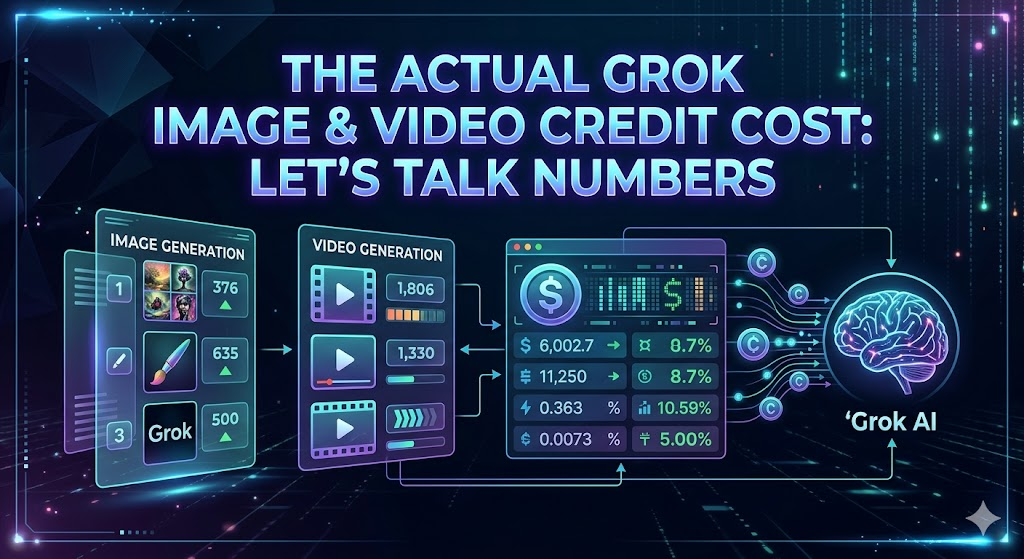
The Actual Grok Image & Video Credit Cost: Let’s Talk Numbers
Now for the part you’ve been waiting for – the actual figures! While exact pricing can be dynamic and subject to change based on promotions, updates, and your region, we can give you a solid understanding of the kind of investment involved. Grok is generally positioned as a premium service, so expect the costs to reflect the advanced nature of its AI.
Image Generation Credit Pricing: What to Expect
For image generation, the cost per credit is typically lower compared to video. You might find that a single, standard-resolution image generation could cost anywhere from a fraction of a cent to a few cents worth of credits. For more complex prompts, higher resolutions, or specific artistic styles that require more computational power, the cost could inch up. If you were to purchase credits in a larger bundle, say 500 credits, the per-credit price might drop to around $0.02 – $0.05. So, generating 100 images could potentially set you back somewhere between $2 and $5, depending on the factors mentioned. It’s designed to be accessible for everyday creative tasks.
Video Generation Credit Pricing: The Premium Factor
Video generation is where the credit count – and thus, the cost – really climbs. Because videos are far more resource-intensive, you’ll see a significantly higher credit deduction for each video clip generated. A short, simple video might consume credits equivalent to several image generations. For instance, a 5-second clip could potentially cost credits equivalent to $0.10 to $0.50 or more, depending on its complexity, resolution, and length. Longer or more intricate videos will naturally cost more. If you’re planning on extensive video production with Grok, it’s essential to budget accordingly, as this feature represents a more significant investment. This premium pricing reflects the cutting-edge nature and substantial computational power required for advanced video synthesis.
Strategies to Spend Less on Grok Credits: Smart Saving Tips
Alright, let’s shift gears from cost to savings. We all want to maximize our creative output without breaking the bank, right? Fortunately, there are plenty of smart ways to be more economical with your Grok credits. It’s all about being strategic and a little bit clever.
Optimizing Your Prompts for Efficiency
This is perhaps the most crucial tip. Think of your prompt as the instruction manual for Grok. The clearer, more concise, and more specific your instructions, the faster and more accurately Grok can deliver what you want. Vague prompts often lead to multiple iterations and wasted credits as Grok tries to guess your intent. Instead of “a dog in a park,” try “a golden retriever puppy sitting on green grass under a sunny sky, with a red ball beside it, photorealistic style.” The more detail you provide upfront, the fewer attempts you’ll likely need, saving you precious credits. Treat it like giving directions – the better you explain, the quicker you arrive at your destination.
Leveraging Free Trial and Promotional Offers
Never underestimate the power of a good deal! Most AI services, including Grok, will offer introductory free trials or limited-time promotions. These are fantastic opportunities to experiment with the platform, generate content, and get a feel for credit usage without spending any money initially. Make sure you sign up for notifications or regularly check Grok’s official channels for any upcoming deals, discounts, or special credit bundles. Sometimes, they might offer bonus credits with certain purchases or during holiday seasons. It’s like catching a sale at your favorite store – you just need to be aware of when it’s happening.
Keeping an Eye Out for Special Deals
Beyond the initial freebies, continuously monitor for special promotions. These could be seasonal sales, discounts for students or educators, or even loyalty programs that reward frequent users. Following Grok on social media, subscribing to their newsletter, or joining relevant online communities can often provide early access to news about these deals. Sometimes, referring a friend can also earn you bonus credits. It’s about being an informed consumer and taking advantage of every opportunity to reduce the per-credit cost.
Batching Your Creative Work: A Clever Approach
Instead of generating content sporadically throughout the day or week, try to “batch” your creative tasks. This means dedicating a specific block of time to generate all the images or video clips you need for a particular project or a period. Why does this help? Firstly, it allows you to get into a creative flow and optimize your prompt writing. Secondly, it might align better with how Grok manages its processing. While not always explicitly stated, sometimes processing resources can be more efficiently utilized when requests are bundled, potentially leading to minor cost efficiencies or simply a smoother workflow for you. Plus, it helps you manage your credit usage more predictably.
Considering Your Project Needs: Do You Really Need High-Res Video?
This is a crucial question for budget-conscious creators. Do you absolutely need that 4K, ultra-smooth, Hollywood-esque video clip for every single social media post? Often, a slightly lower resolution or a simpler animation will suffice for platforms like Instagram Stories, TikTok, or even many website embeds. High-resolution video generation consumes significantly more credits. Before you hit that generate button, ask yourself: what is the minimum viable quality for this specific piece of content to achieve its purpose? Choosing a slightly less demanding output can lead to substantial credit savings over time, especially for high-volume content creators. It’s about being pragmatic and matching the output to the platform and purpose.
Maximizing Value: Getting the Most Out of Your Grok Credits
Saving credits is one side of the coin; getting the absolute best output from the credits you do use is the other. Let’s talk about how to stretch those credits further by focusing on quality and reusability.
Iterative Refinement: The Power of Small Adjustments
Don’t expect perfection on the very first try, especially with complex creations. Grok is fantastic for iterating. Instead of generating an entirely new image or video if the first one isn’t quite right, try making small, targeted adjustments to your prompt and regenerating. Perhaps the color is slightly off, or a particular element isn’t positioned correctly. A minor tweak can often get you much closer to your desired outcome with fewer full-scale generations. Think of it as sculpting – you make small chips and adjustments rather than starting with a new block of marble every time. This is far more credit-efficient than starting over from scratch repeatedly.
Repurposing Content: Extending the Life of Your Creations
This is a golden strategy for any content creator, and it applies beautifully to AI-generated media. Once you’ve generated an image or a video clip, think about how you can repurpose it. Can a background image be used for multiple blog posts? Can a short video clip be chopped up into GIFs or used as a boomerang-style clip for a different platform? Can stills be extracted from a video for use as static images? By finding multiple uses for a single generated asset, you effectively multiply the value you get from the credits you spent. This reduces the need to generate entirely new assets for every single application, saving you credits and time.
Grok’s Future Pricing: What to Anticipate
As AI technology rapidly evolves, so too will the pricing models for services like Grok. We can anticipate a few key trends. Firstly, as the underlying technology becomes more efficient and optimized, we might see a gradual decrease in the per-credit cost, especially for basic image generation. Secondly, Grok may introduce more tiered subscription plans, offering specialized packages for different user types (e.g., a video-heavy plan, a photography-focused plan). We could also see more dynamic pricing, where the cost fluctuates based on real-time server load or the specific AI model version used. Staying informed about Grok’s official announcements will be crucial to navigating these future changes and continuing to optimize your spending.
Conclusion: Mastering Grok’s Media Creation on a Budget
So there you have it! Navigating the cost of Grok’s image and video credits doesn’t have to be a budget-breaking endeavor. By understanding the underlying credit system, the factors that influence cost, and by employing smart strategies like prompt optimization, leveraging deals, batching work, and thoughtful repurposing, you can harness the incredible power of Grok’s AI media generation without emptying your pockets. It’s about being a savvy creator, making informed decisions, and ensuring that your visual content aspirations align perfectly with your financial realities. Happy creating, and may your credits go further than you ever imagined!
Frequently Asked Questions (FAQs)
1. Can I get a refund for unused Grok credits?
Generally, most services like Grok operate on a “use it or lose it” policy for purchased credits, especially if they are part of a bundle or subscription. However, it’s always best to check Grok’s specific terms and conditions for their refund policy, as there might be exceptions for specific circumstances.
2. Are there any ways to get Grok credits for free beyond the initial trial?
While free trials are common, ongoing free credits are rare outside of very limited promotional events. Grok might occasionally run contests, referral programs, or offer bonus credits for specific actions (like providing feedback), but these are usually temporary.
3. How does the resolution of an image affect the number of credits it costs?
Higher resolution images require more processing power and data to generate. Therefore, you can expect that generating an image at a higher resolution (e.g., 4K) will consume more credits than generating the same image at a standard resolution (e.g., 1080p).
4. Is video generation significantly more expensive than image generation with Grok?
Yes, video generation is substantially more expensive in terms of credit cost. This is due to the increased computational resources and complexity involved in creating moving images, often requiring the generation of multiple frames per second.
5. Can I negotiate bulk discounts for very large credit purchases if I’m a business?
While standard tiered pricing already offers bulk discounts, for exceptionally large or enterprise-level commitments, it might be worth reaching out to Grok’s sales or support team directly to inquire about potential custom packages or enterprise-level discounts.